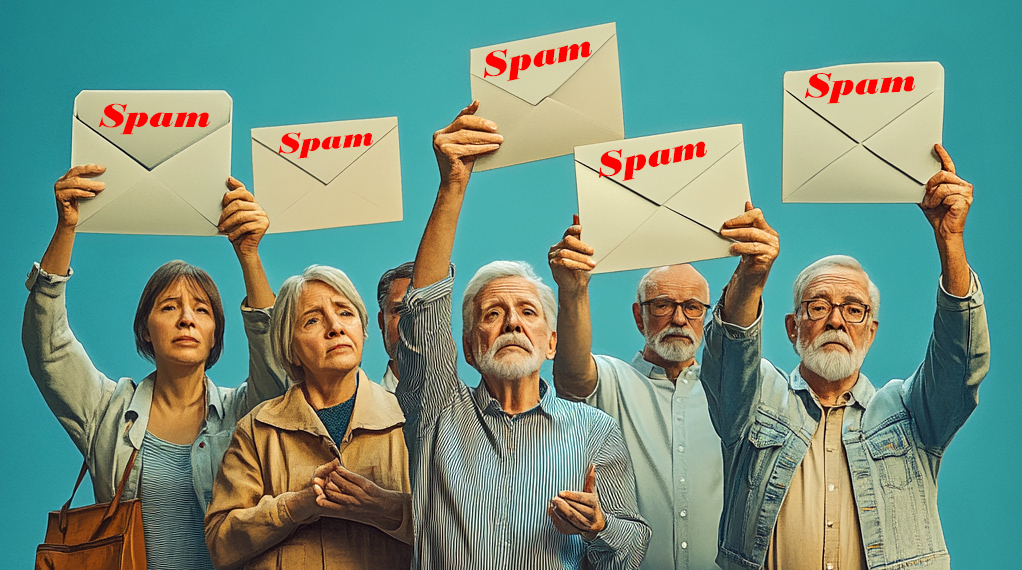
Guide to Spam & Emails
Many people experience problems with emails not arriving in their inbox. One of the main reasons for this is spam filtering. Email providers use special programs to block unwanted messages, and while this helps keep your inbox free from junk mail, it can also mean that some genuine emails get blocked by mistake.
The reason for these filters is that about 162 billion spam emails are sent every day which is 46% of the total emails sent! Most of us have received spam emails and some of these are simply advertisements but some are "phishing" emails which are ones designed to steal your personal information. To protect you, email providers try to filter out suspicious messages before they reach your inbox.
How Email Providers Block Spam
Email providers scan these messages and use filtering systems to sort out spam and harmful emails. If an email is considered suspicious, it may be blocked completely, or it may be moved to your Spam or Junk folder.
These spam filters are about 95% accurate, meaning that:
✅ Most spam emails are successfully blocked.
❌ A few spam emails still get through.
🙃 Some genuine emails may also be mistakenly blocked.
Different email providers apply their own spam filtering rules. Some are more aggressive than others, which means some users may find that emails they expect to receive never arrive. Your own device (computer, tablet, or phone) may also filter emails separately, adding another layer of sorting.
What You Can Do If Emails Are Not Getting Through
If you believe important emails (such as u3a messages) are not reaching you, there are a few simple steps you can take:
- Add u3a to your contacts – Save a contact in your email address book called "hu3a", using the email address do_not_reply@hu3a.org.uk
- Check your Spam or Junk folder – If you find a u3a email there, right-click it and select "Not spam" or "Never block sender" to allow future messages through.
- Adjust your email settings – The way to do this depends on your email provider and how you access your emails. Below are instructions for some of the most common email services.
- Check your Simple Profile Email Tab - You can check emails sent to you from Simple if they don't appear in your inbox. Click here for the guide.
How to Adjust Spam Settings for Different Email Providers
Gmail (Google Mail)
- Log into Gmail using a web browser (Chrome, Edge, Firefox).
- Click the Settings (cogwheel) icon (top right).
- Go to All Settings > Filters and Blocked Addresses > Create New Filter.
- In the "From" box, enter do_not_reply@hu3a.org.uk
- Click "Create Filter", tick "Never send it to Spam", then click "Create Filter" again.
Microsoft Outlook.com (Hotmail, Live Mail, MSN Mail, Outlook.com)
- Log into Outlook.com & check the Junk Mail folder and right-click any u3a email found there. Choose "Not junk".
- Or, click the Settings (cogwheel) icon, then select Options. Under Junk email, go to Blocked Senders and remove any u3a addresses if listed.
- Or, under junk email, select Safe Senders, enter do_not_reply@hu3a.org.uk and click on the + icon .
Apple Devices (iPhone, iPad, Mac)
Apple’s built-in Mail app does not include spam settings. You will need to log in to your email provider’s website and adjust the settings there.
The situation is similar for Android smartphones and tablets
Sky/Yahoo Mail
- If a u3a email is in the Spam folder, right-click it and select "Not spam".
- To check blocked addresses, click the Settings (cogwheel) icon, then go to Banned Addresses.
Microsoft Outlook (Installed on a Computer)
- If a u3a email is in the Junk folder, right-click it and choose "Junk" > "Not Junk". This will move the email to the inbox folder.
- Alternatively, click on the Junk icon in the top menu or right click the email and select "Never block sender" or "Never block sender’s domain" This will stop future emails from being marked as spam.
- To add a this to your safe senders list, click Junk Email Options, go to Safe Senders, click Add, and enter do_not_reply@hu3a.org.uk.
BT Internet
BT has a detailed guide on how to adjust spam settings and manage safe senders. You can find instructions on their website here…..
Final Thoughts
Spam filtering is necessary to reduce unwanted emails, but it is not perfect. If you are missing emails, checking your Spam/Junk folder and adjusting your settings should help. If you're unsure, ask a family member or friend to assist you. By taking these simple steps, you can help ensure that important emails reach your inbox.